
Reporting an issue with a property
Spotted something wrong on a property? Incorrect details, missing information, or an image that doesn't belong? Report it, and the Vamoos team will review it.
How to report an issue
On any property profile, click Report in the top right. This opens the Issue report window.
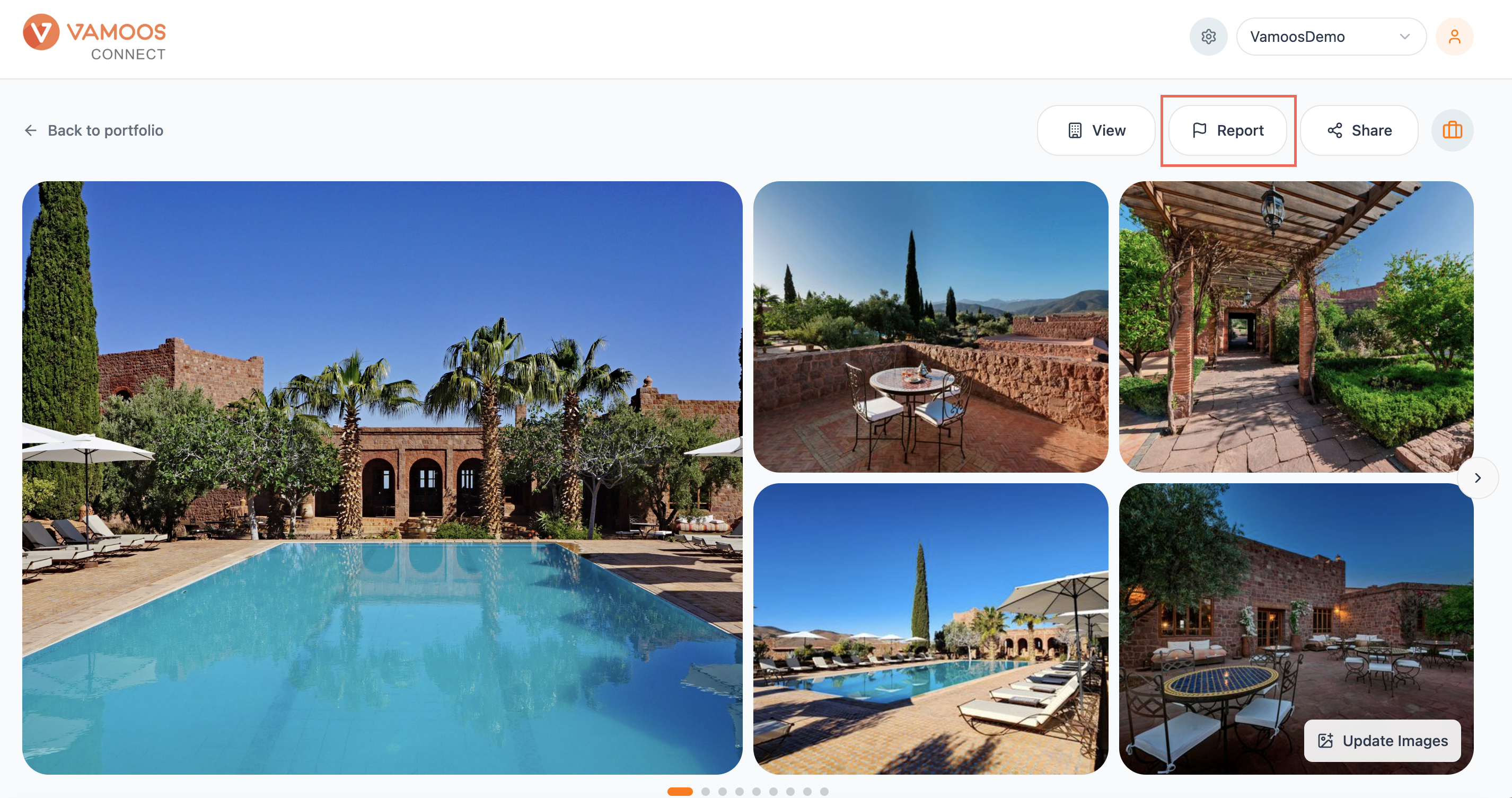
From here:
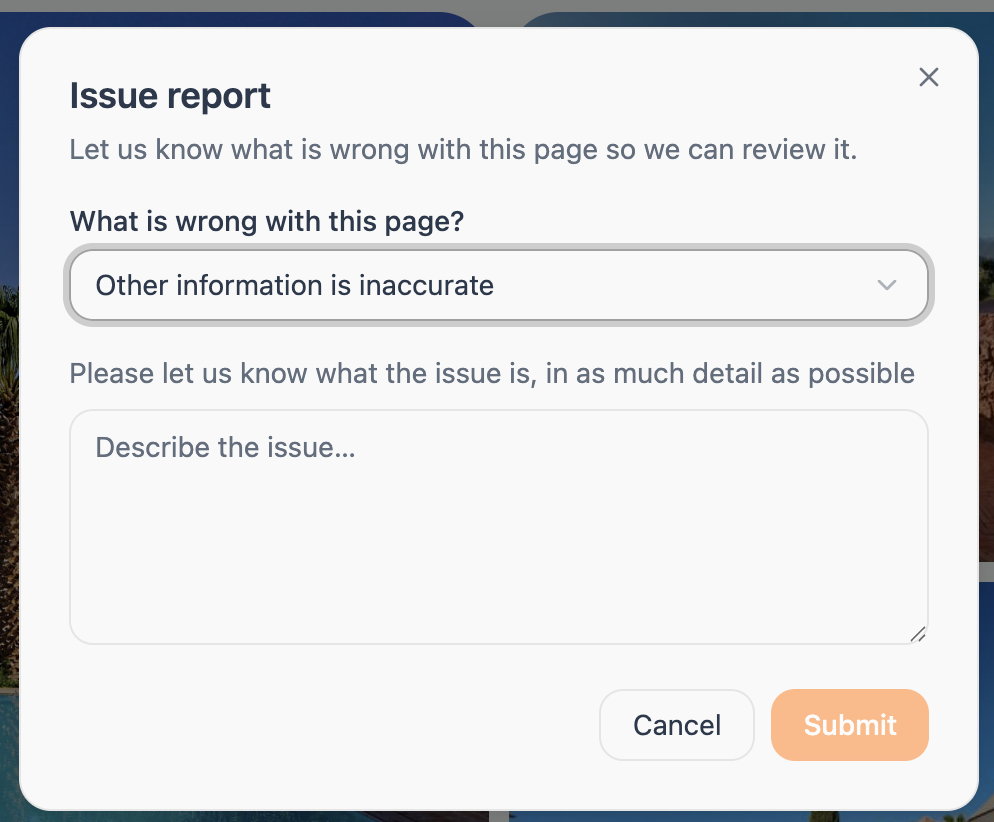
Under What is wrong with this page?, choose the type of issue from the dropdown:
Contact information is wrong
Other information is inaccurate
This property has been closed down
Other
In the box below, describe the issue in as much detail as you can. The more specific you are, the faster we can review and fix it.
Click Submit to send it to the Vamoos team, or Cancel to close without reporting.
When to use it
Report an issue whenever something about the property's underlying data looks wrong and needs our attention, for example:
Contact information that's wrong.
Other details that are inaccurate (location, star rating, facilities).
A property that has closed down.
Anything else that isn't right, using Other.
Reporting helps keep the shared hotel database accurate for everyone.
Tip: If you just want to change how a property reads in your own proposals, you don't need to report it. Edit the profile directly, and it'll save as your Customised version. Use Report for issues in the source data that the Vamoos team should fix at source.