What's included in a property profile
The property profile is where a hotel comes together - images, descriptions, facilities, location and more, all editable and ready to brand as your own. Here's everything on the page, top to bottom.
Top of the page
Along the top you'll find:
Back to results returns you to your search without losing it.
View lets you preview the profile as your client will see it.
Report flags an issue with the property's data to Vamoos.
Share generates a branded, shareable link to send to clients or colleagues.
The briefcase icon adds the property to your portfolio.

Image gallery
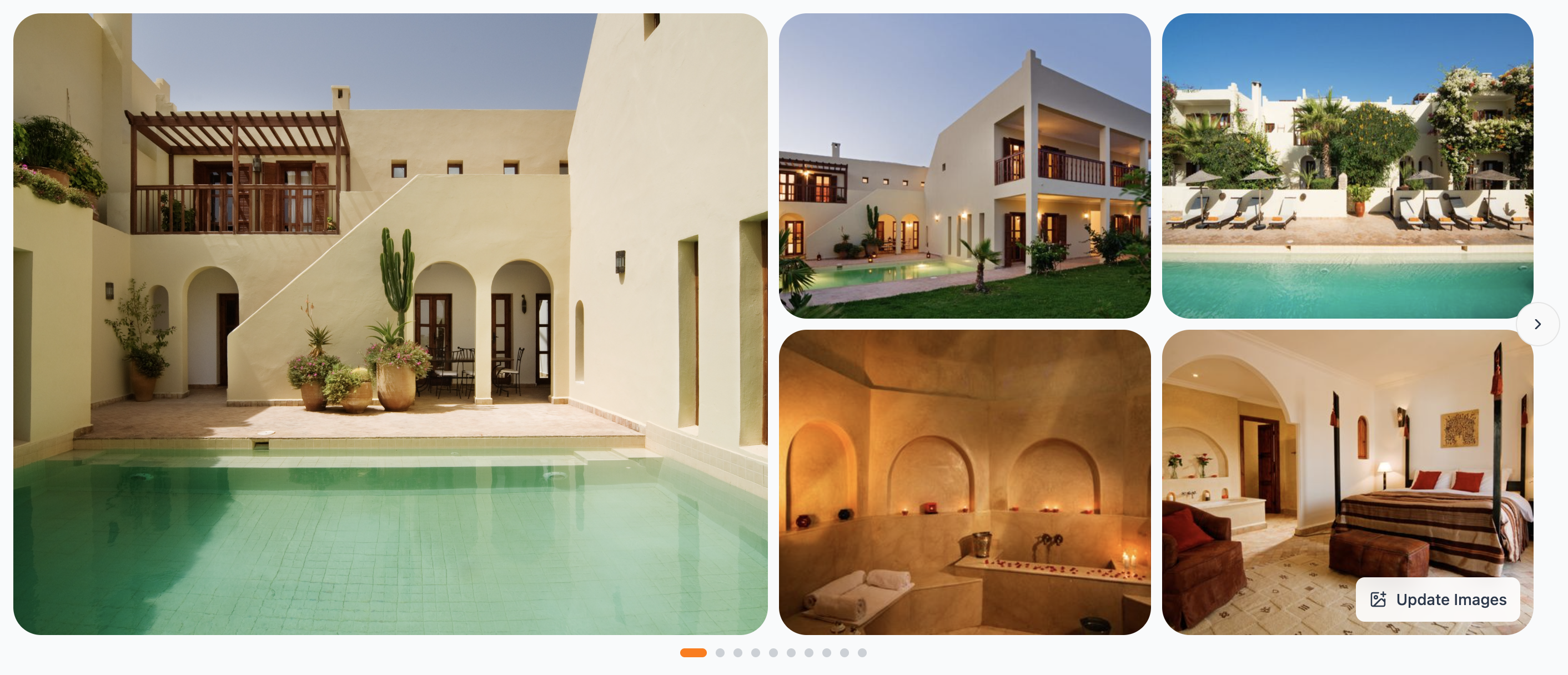
The main gallery shows the property's imagery. Use the arrow to move through the images, and the dots below to see how many there are. Update Images lets you choose, reorder, hide or upload your own shots so the visuals are exactly how you want them.
Remember: Any edits you make here or to any other element of a hotel property are only visible to you and those colleagues of yours working with your account settings. Other travel companies will not see or have access to this data.
Property header
Below the gallery sits the key information:
The property type and star rating (for example, Hotel with three stars)
The property name
The location
The hotel's contact details - email, phone and website
A Last updated date so you can see how current the content is
Where the content is older than 30 days, you will see a 'Refresh' button. Clicking this will update all the hotel content based on the latest information. The Refresh process usually takes a minute or two.

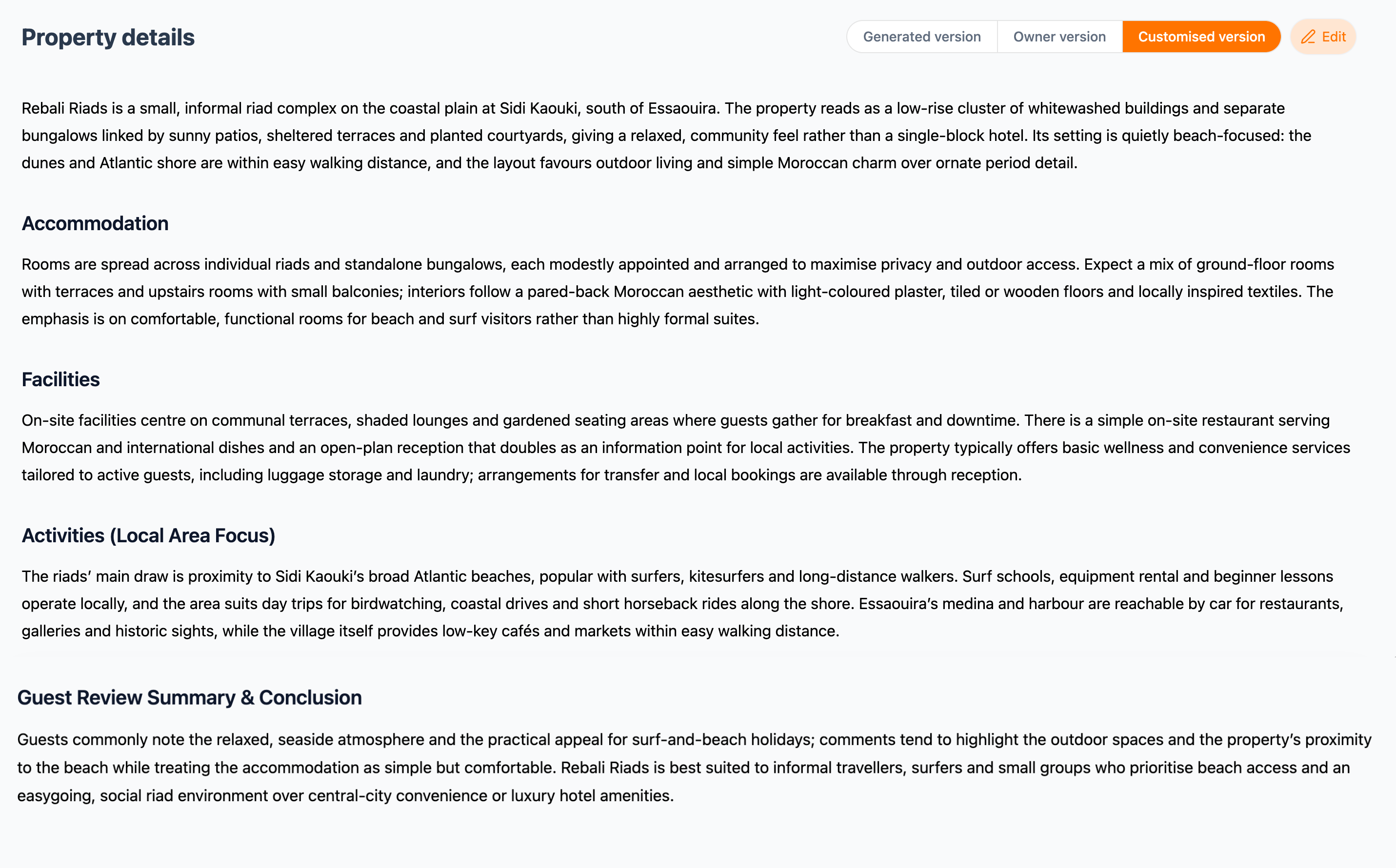
Generated, Owner and Customised versions
Several sections of the profile have a version toggle with up to 4 options:
Generated version - content drafted by Connect's AI. All hotel properties in Vamoos Connect have this version
Owner version - content as supplied by the property. Currently, this version represents hotel content from the ‘old’ Connect database in Vamoos. In the future, this version will be where hotels themselves can take ownership of their own hotel profile in Vamoos Connect and curate their own hotel content
Customised version - your own edited version. If you edit either the Generated version or Owner version, you will see this version appear.
Tone of voice - will only appear where you have activated the Tone of Voice in Basic Information. If you click this version, the system will refresh all descriptions, a process which takes a few seconds
Use the toggle to switch between them, and hit Edit to make a customised section your own.

Summary
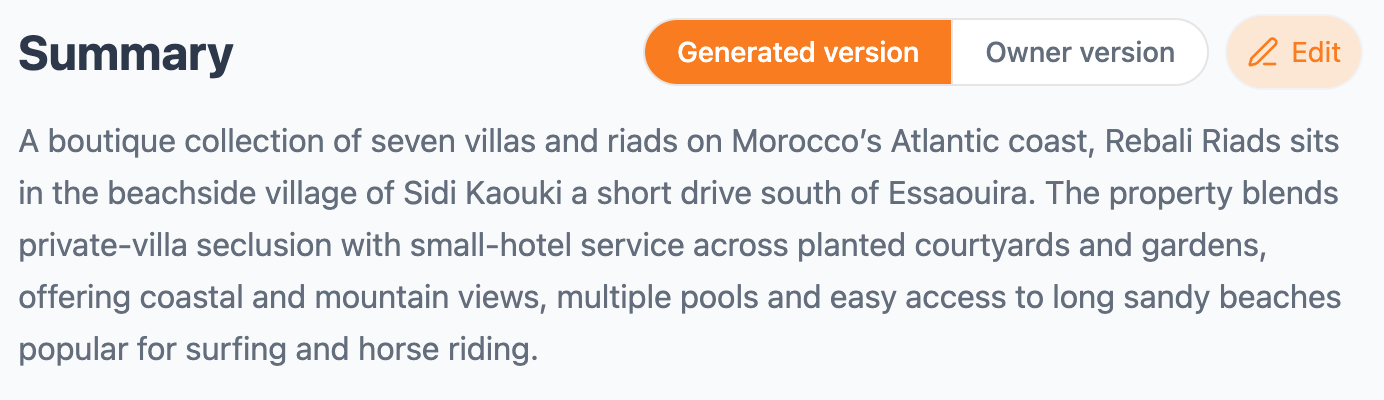
A short overview of the property. Switch between the Generated and Owner versions, or edit it to match your brand voice.
Map
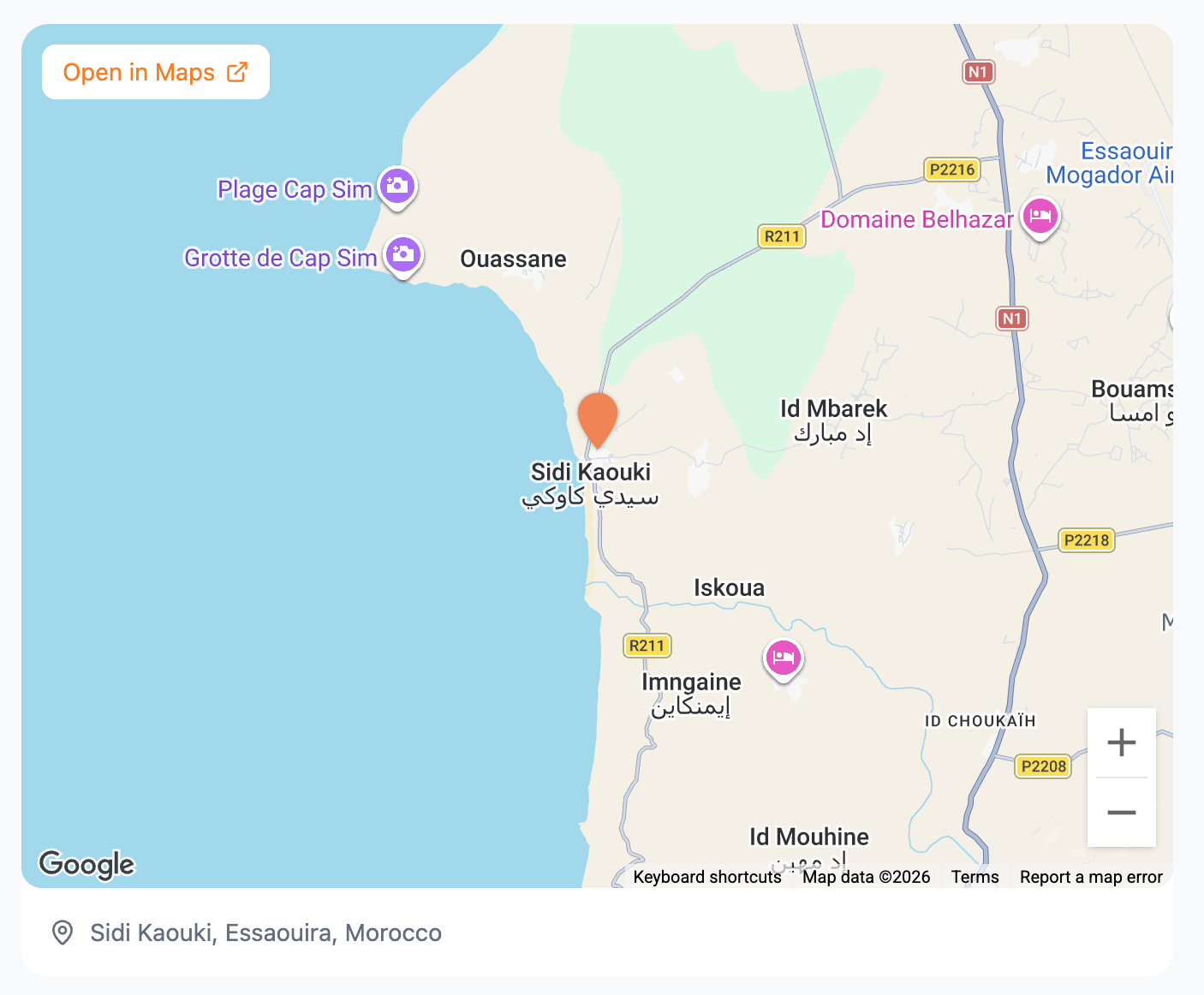
An interactive map showing exactly where the property sits, with nearby points of interest. Open in Maps launches the full map in a new tab.
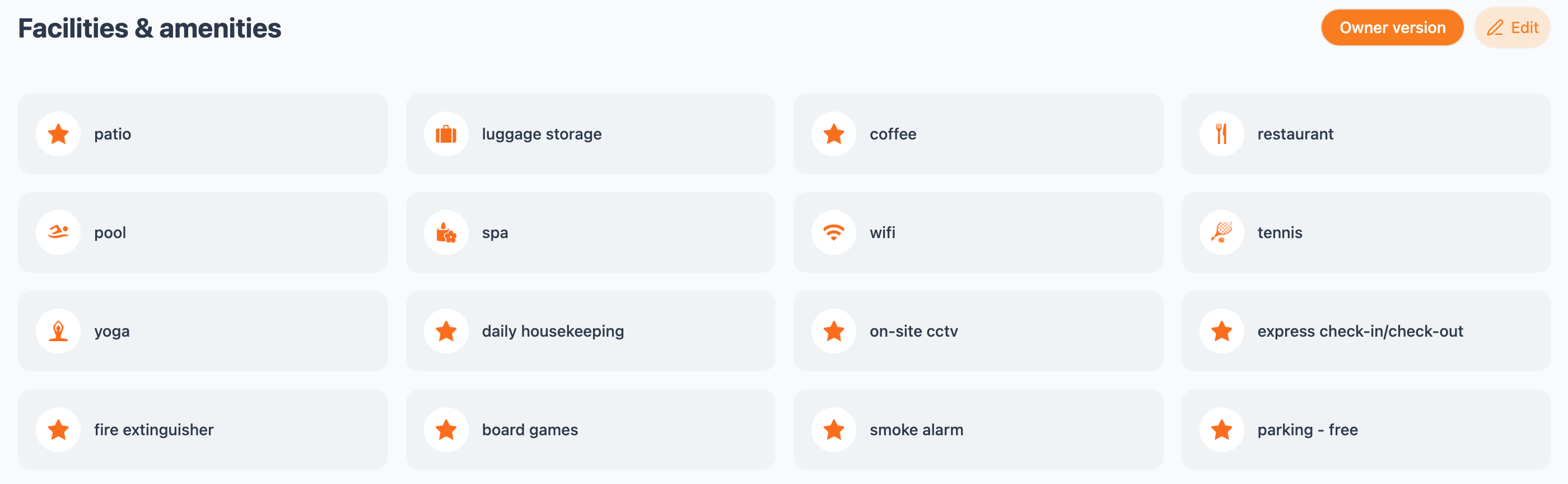
Facilities & amenities
A clear, icon-led grid of everything the property offers, from pool and spa to wifi, housekeeping and parking. Edit it to add, hide or reword facilities so each profile highlights what your clients care about.
Property details
The long-form description of the property, again with a choice of versions (e.g. Generated, Owner, Customised and Tone of voice). It's broken into clear sections:
Accommodation - the room, villa and suite options.
Facilities - a fuller write-up of what's on site.
Activities (Local Area Focus) - what there is to do nearby.
Guest Review Summary & Conclusion - who the property suits best.
Similar properties
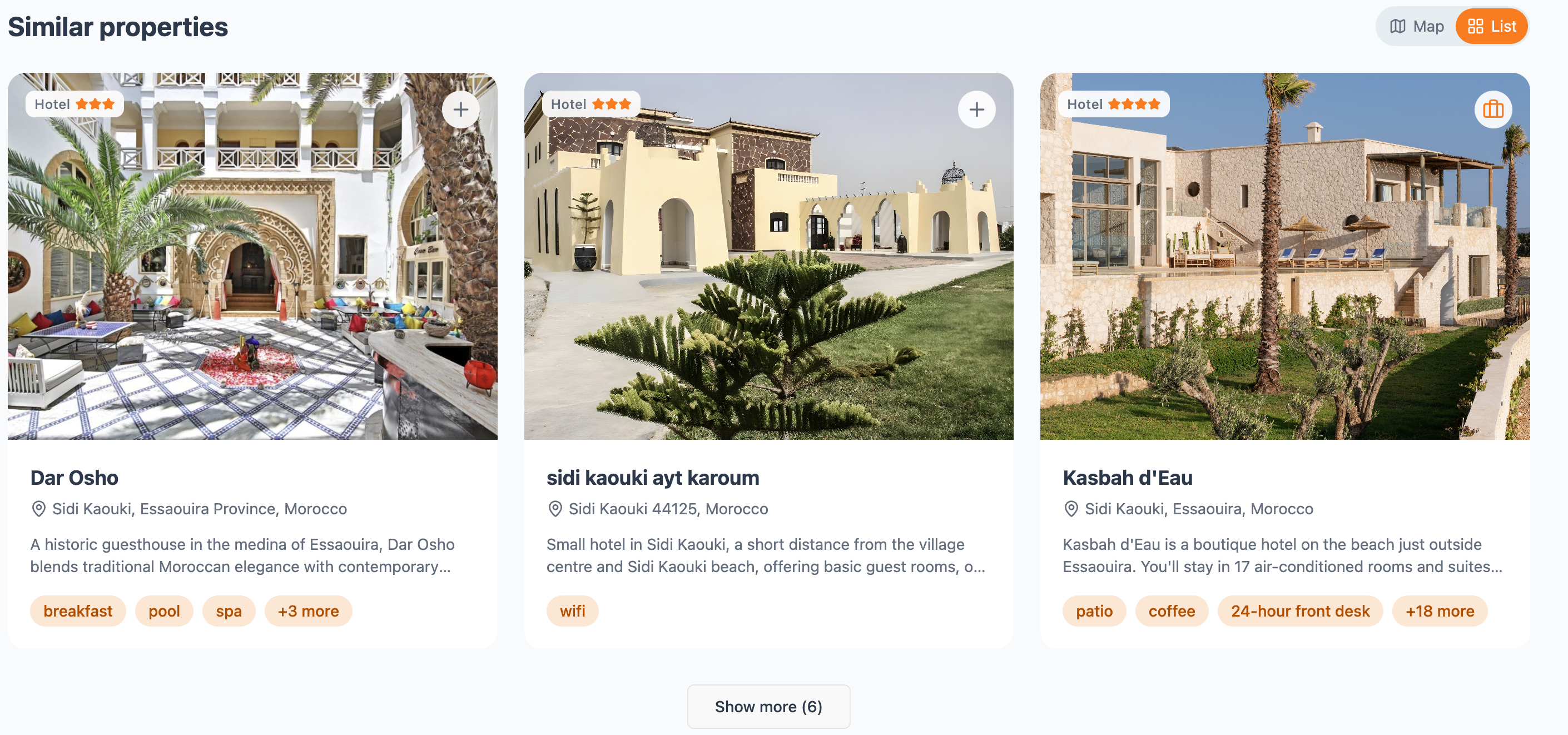
At the foot of the page, Connect suggests related hotels nearby or in the same category - handy for comparing alternatives without starting a new search. View them on a Map or as a List, add any to your portfolio with the briefcase icon, and hit Show more to see the rest.