Searching for properties
Search is where most of your work in Connect starts. Type what you're looking for, focus it, and refine with filters. Here's how.
Run a search
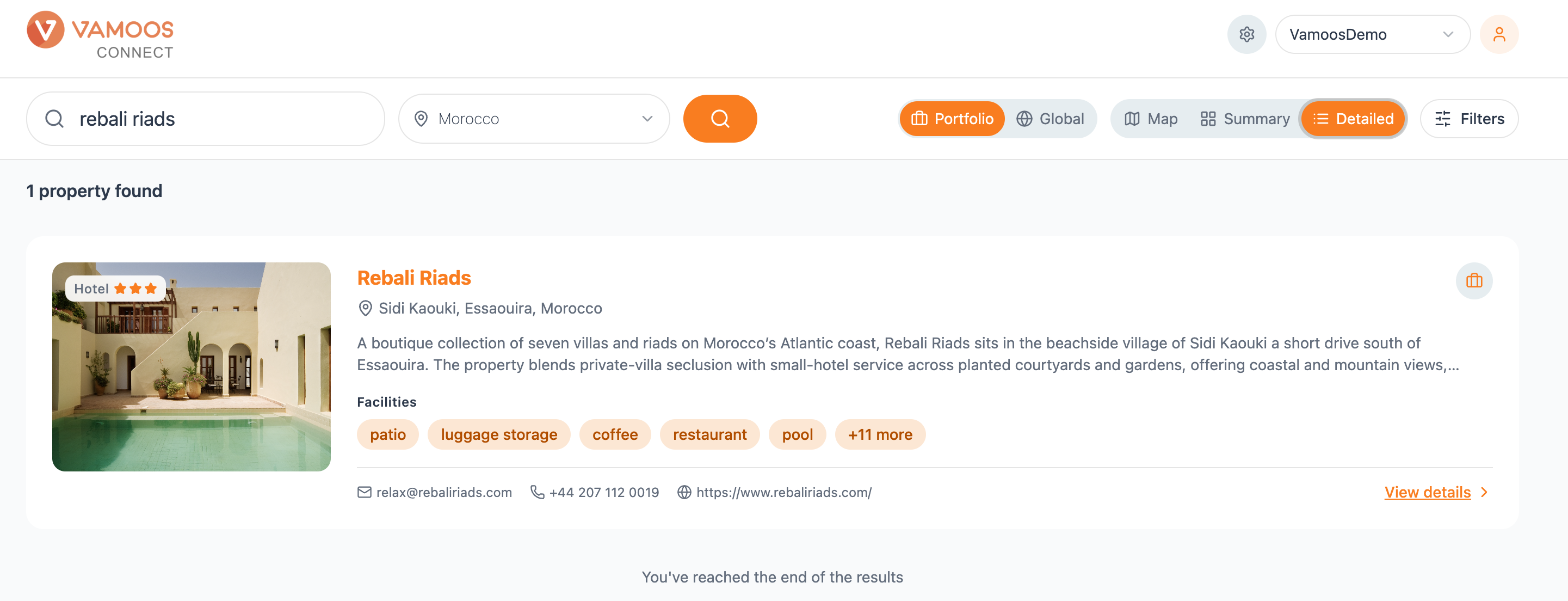
Type a hotel name, destination or region into the search bar and hit the orange search button. Results come back instantly.
Use the country selector next to the search bar to focus your search on a single country, or leave it on ‘Select country’ to search everywhere.
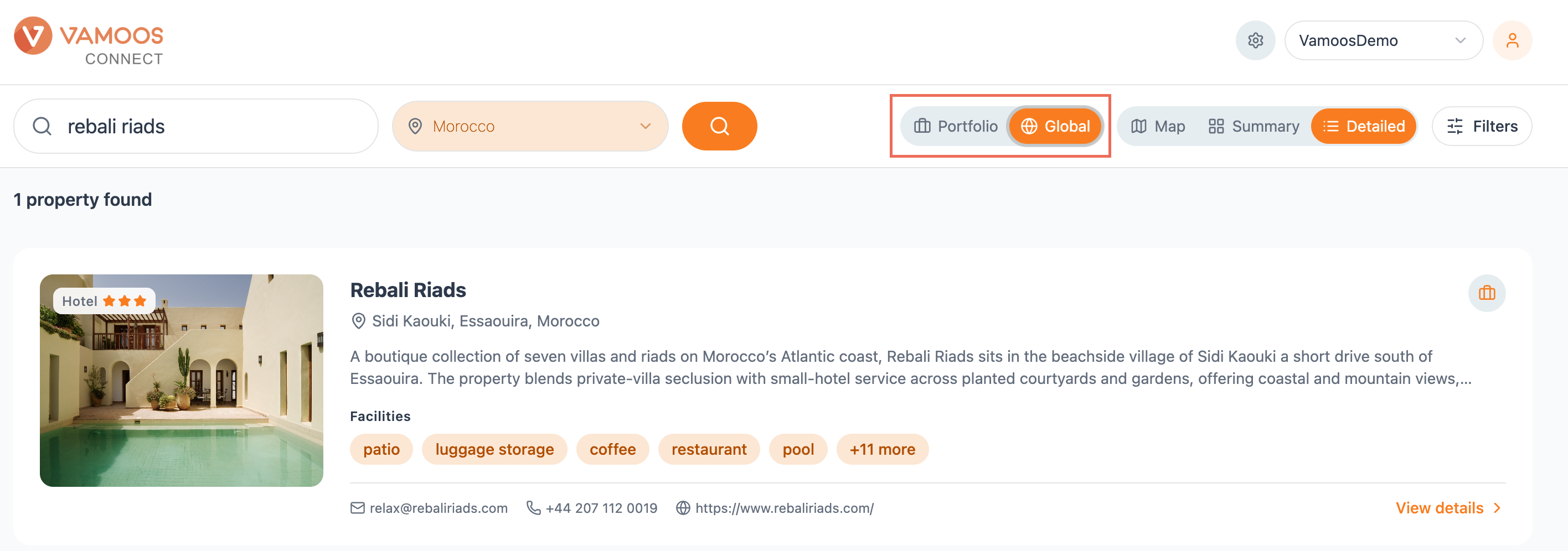
Portfolio or Global
Two toggles control how wide your search reaches:
Global searches the entire Connect database of over 1.2 million properties.
Portfolio searches only the hotels you've already saved, so you can jump straight back to the properties you use most.
Choosing how results look
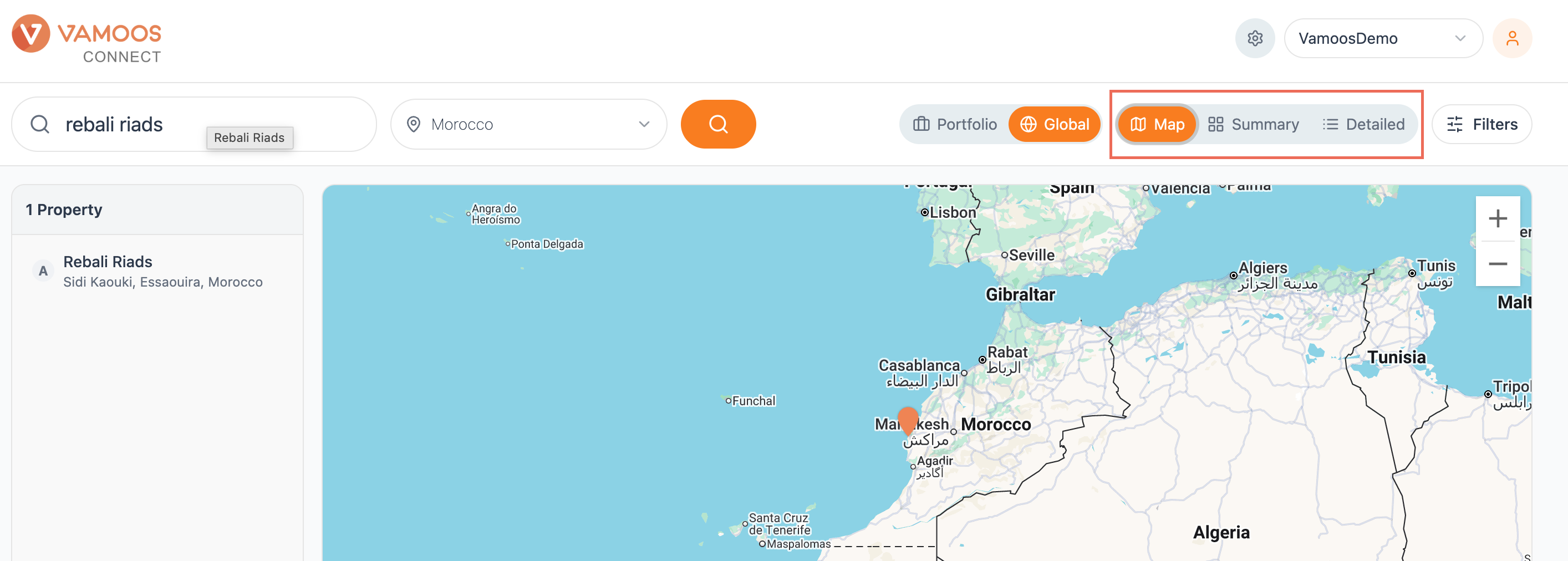
Three view options sit to the right of the search bar. Switch between them any time to browse results the way that suits the task.
Map plots your results geographically. You get a property list down the left and an interactive map alongside, with pins marking each hotel. Zoom in and out to explore an area, handy when location is what matters most.
Summary shows results as image-led cards. Each card gives you a large photo, the property type and star rating, the name, location, a short description and a row of facilities tags. A quick, visual way to scan your options.
Detailed lays each property out in full. Alongside the image, you get the name, location, a longer description, facilities and the hotel's contact details - email, phone and website - alongside a View details link. Best when you want the fullest picture without opening each profile.
Refine with Filters
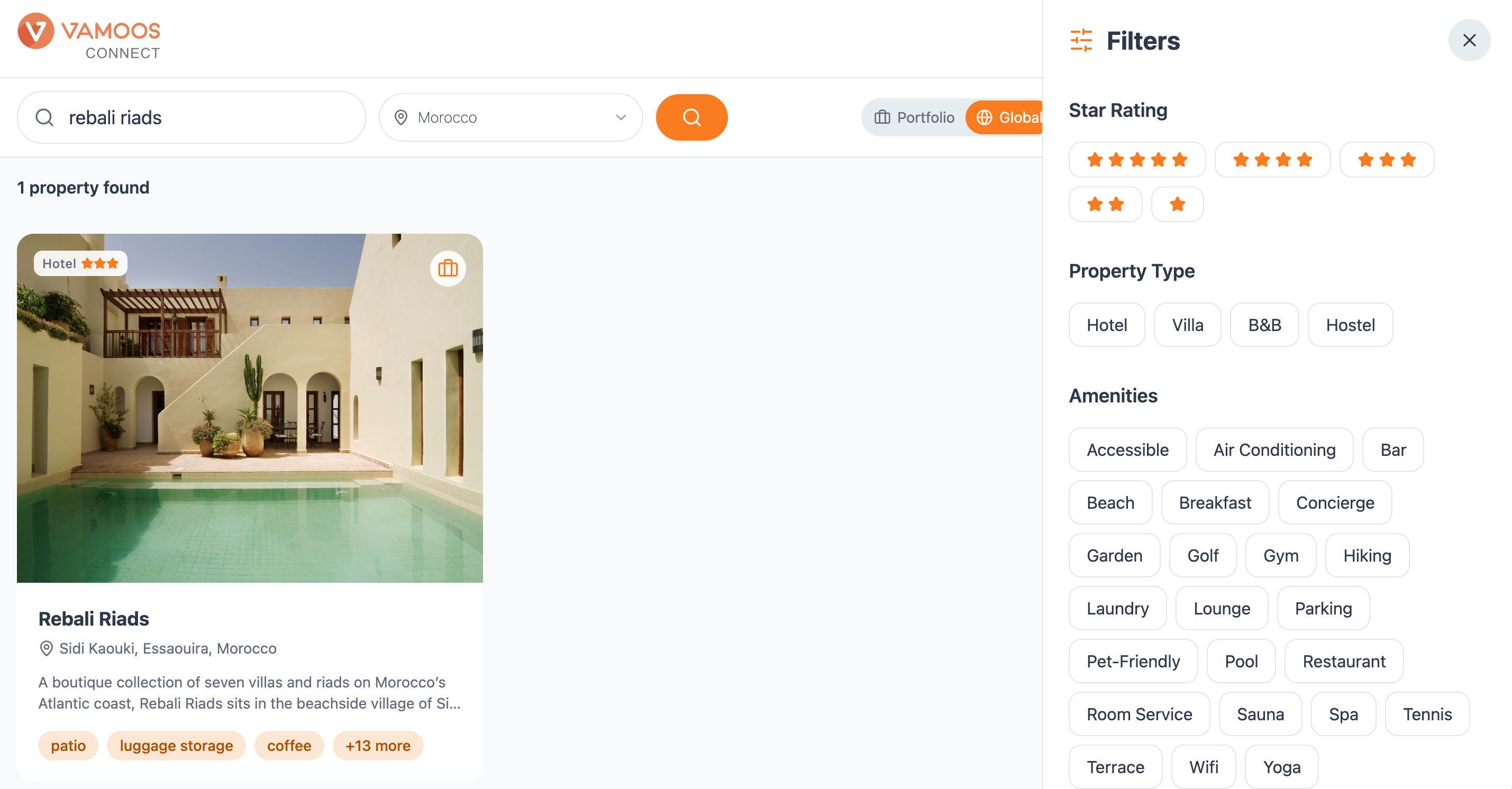
Hit Filters to narrow your results and cut straight to the properties that fit. You can filter by:
Star rating - from 1 to 5 stars.
Property type - Hotel, Villa, B&B or Hostel.
Amenities - pick from the full list, including accessible, air conditioning, bar, beach, breakfast, concierge, garden, golf, gym, hiking, laundry, lounge, parking, pet-friendly, pool, restaurant, room service, sauna, spa, tennis, terrace, wifi and yoga.
Close the panel to apply your filters and see your results update.