Navigating the Connect home screen
When you log in to Vamoos Connect, you land on the home screen. It's built around one job: find a hotel fast. Here's what everything does.
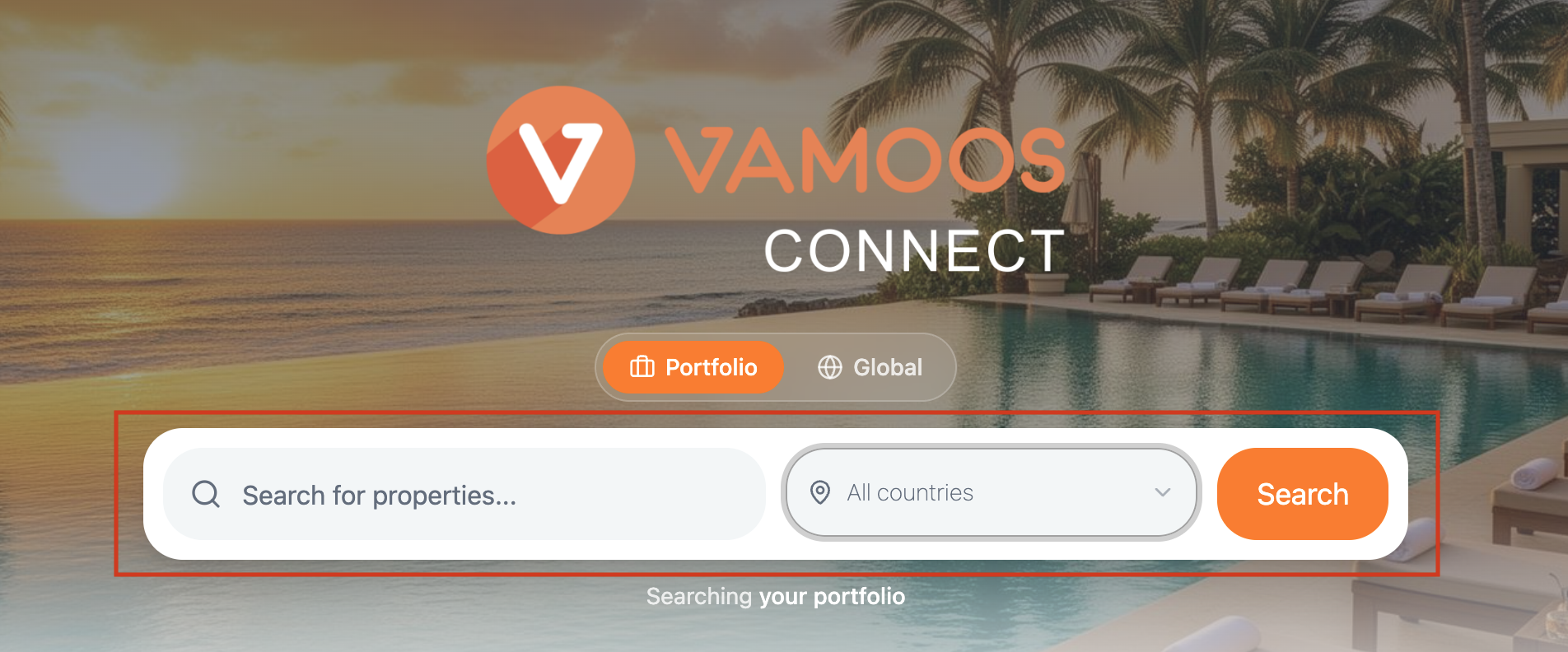
The search bar
Type a hotel name, destination or region and hit Search. Results come back instantly from the database of over 1.2 million properties.
Next to the search box is the country selector. Leave it on ‘All countries’ to search everywhere, or pick a country to narrow things down.
Portfolio vs Global
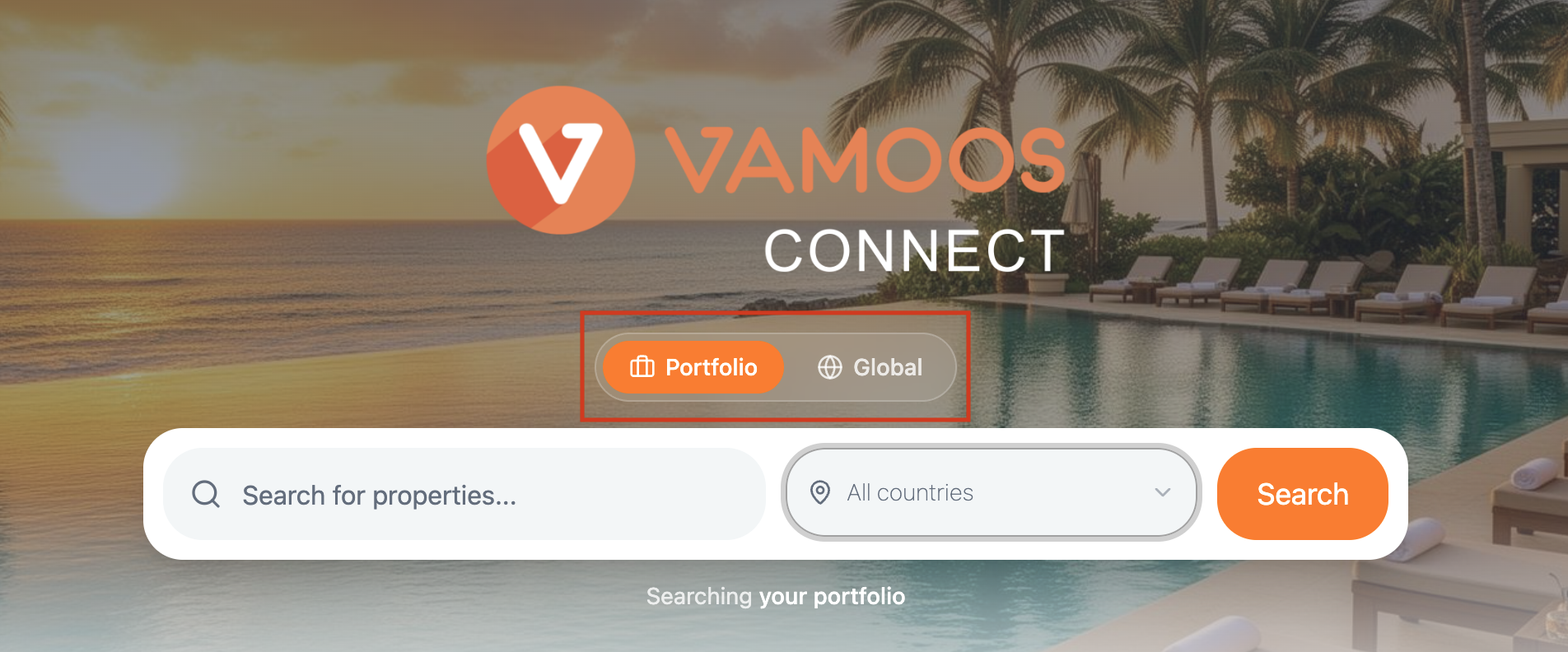
Two toggles sit alongside the search bar:
Global searches the entire hotel database - every property Connect has access to.
Portfolio searches only the hotels you've saved into your Portfolio (see below for more details on My Portfolio), so you can jump straight back to the properties you use most.
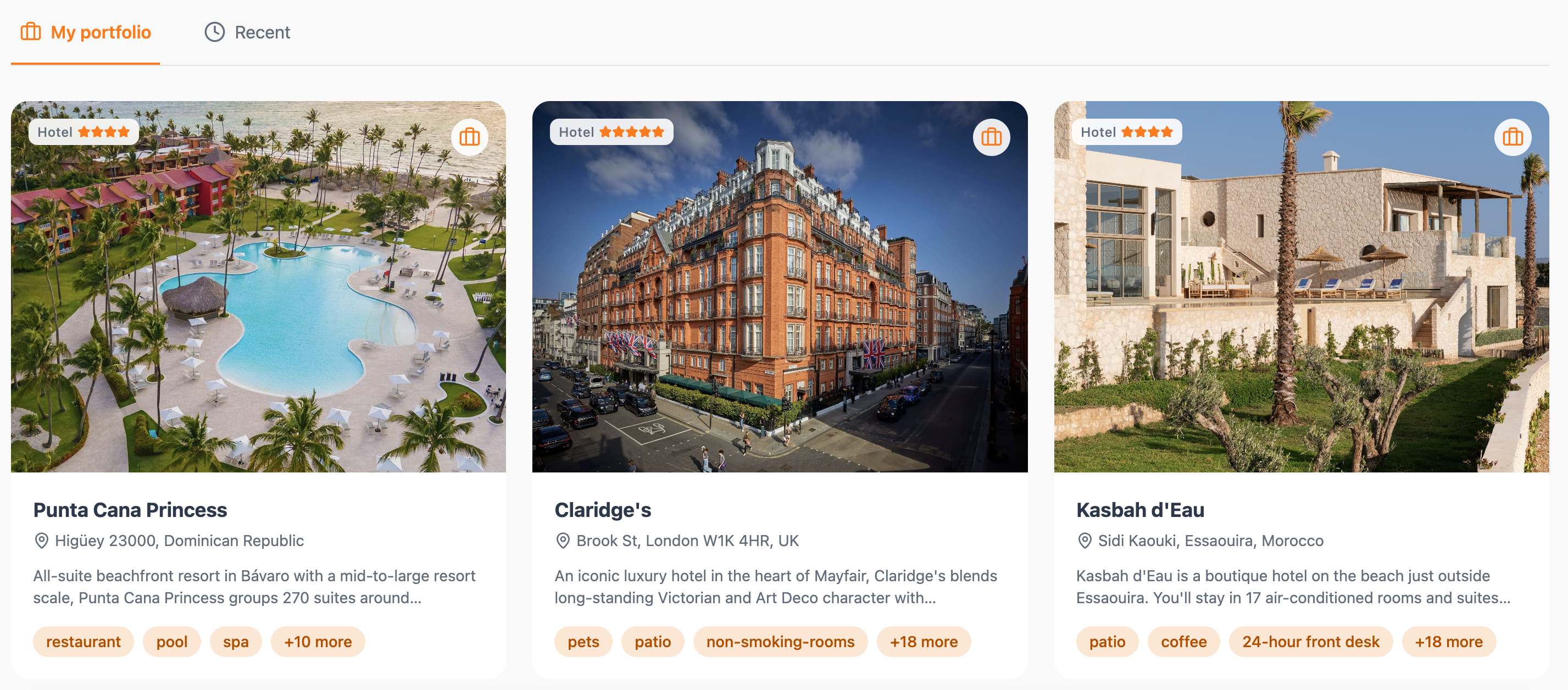
Recent and My Portfolio
Below the search bar, you'll find quick ways back into your work:
Recent shows the hotels you've looked at most recently, so you can pick up where you left off without searching again.
My Portfolio is your saved library of properties. Add hotels as you go and build a ready-to-use collection you can return to any time.
Top Menu
In the top right menu, you'll find your Company settings (gear icon), Workspace selector, and Account settings (person icon) - all your setup and account controls in one place.
